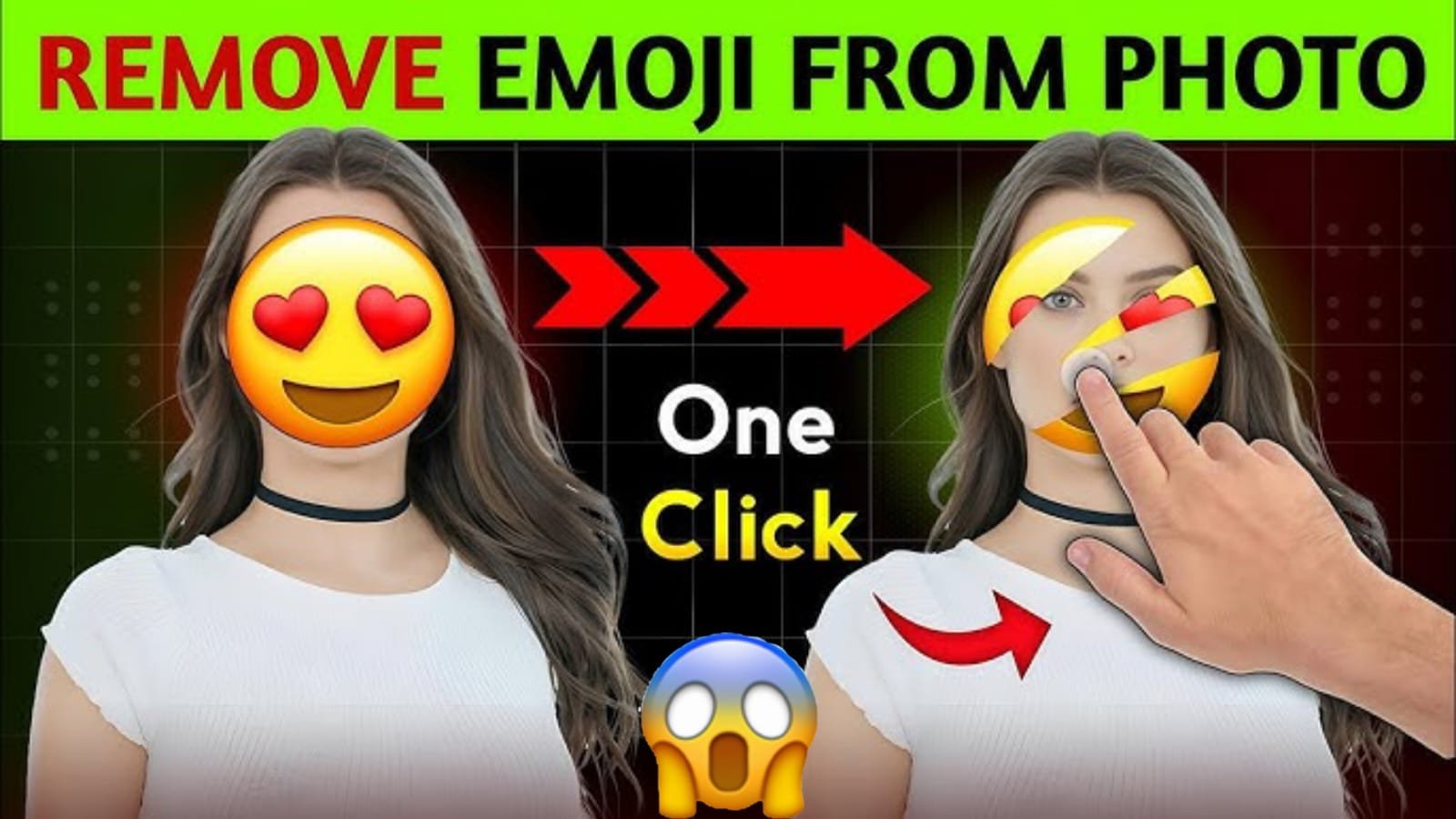
In today’s digital era, visual content plays a massive role in communication. Whether you’re sharing photos on social media, sending images for work, or posting creative content online, pictures often need to be edited or cleaned before being published. One of the most common problems people face is removing face emojis or stickers placed on photos—sometimes by mistake, sometimes for privacy, and sometimes for fun. But what if you want to restore the original picture or simply delete the emoji?
This is where a one-click Emoji Remover becomes a game-changer.
If you’ve ever struggled with removing emojis manually using complicated editing tools, this article will explain how modern AI technology now makes it possible to remove face emojis instantly, cleanly, and automatically—all in just one click.
In this guide, you’ll learn:
- What an Emoji Remover is
- How AI removes face emojis from photos
- Why people use emoji-removal tools
- Step-by-step instructions
- Best apps and websites for emoji removal
- Safety, ethics, and legal considerations
- Tips for achieving perfect results
- Frequently asked questions
Let’s dive in.
What Is an Emoji Remover?
An Emoji Remover is a tool—usually online or in the form of an app—that uses Artificial Intelligence (AI) to automatically remove emojis, stickers, or any overlays from photos. These tools work by detecting the area covered by the emoji and intelligently reconstructing the hidden background using inpainting or content-aware fill technology.
Unlike traditional editing where you manually erase or clone parts of the image, AI emoji removers do all the heavy lifting:
- Identify the emoji
- Analyze the covered area
- Predict the missing pixels
- Restore the photo naturally
This technology is based on machine learning models trained on millions of images, allowing them to fill the missing details realistically.
Why Do People Remove Face Emojis?
There are several reasons why users want to remove face emoji in one click:
1. Accidentally Added Emoji
Many people place emojis on pictures while editing them in apps like Snapchat, Instagram, or WhatsApp. Later, they regret it and want the original photo back.
2. Edited by Someone Else
Sometimes a friend or family member covers your face with an emoji as a joke. If you want the original picture, an emoji remover helps.
3. Professional Use
Photographers, designers, or influencers sometimes receive client images with emojis and need to clean them for editing.
4. Recovering Old Photos
Old pictures saved with emojis can be restored to look natural and professional.
5. Social Media Content Creation
Content creators often need clean and high-quality photos. Removing unnecessary emojis is part of maintaining a professional brand.
How Does AI Remove Face Emojis? (The Technical Side)
The process might look magical, but it’s powered by advanced AI. Here’s a simple explanation:
1. Object Detection
AI detects the emoji using machine-vision models.
It recognizes shapes like:
- Smileys
- Heart-eyes
- Laughing emoji
- Masks
- Stickers
- GIF overlays
2. Segmentation
The tool marks the exact area covered by the emoji without affecting nearby pixels.
3. Inpainting / Reconstruction
Then the AI uses generative algorithms to predict:
- Skin texture
- Facial structure
- Background
- Clothing
- Environmental details
This process is similar to how modern AI tools restore damaged photos or remove watermarks.
4. Blending
Finally, the tool blends the restored area seamlessly so the image looks natural.
Best of all:
This entire process happens in seconds with one click.
How to Remove Face Emoji in One Click – Step-By-Step Guide
Even if you’re not tech-savvy, the process is extremely simple. All one-click emoji removers follow similar steps:
Step 1: Upload Your Photo
Select the picture that has a face emoji or any sticker. Supported formats usually include:
- JPG
- PNG
- JPEG
- WEBP
Step 2: Select “Remove Emoji” or “AI Remover”
Most tools have a specific feature for emoji removal.
Step 3: Click “Remove”
With one click, the AI processes the photo.
Step 4: Download the Clean Image
Your emoji-free picture will be ready instantly.
Some tools also offer:
- Manual refinement
- Face recovery
- Background reconstruction
- HD enhancement
Best One-Click Emoji Remover Tools (2025)
Here are the top tools that allow instant emoji removal:
1. Fotor AI Remover
A popular tool with high accuracy and natural face reconstruction.
2. Remover.app
Focuses specifically on removing objects, emojis, and watermarks.
3. Inpaint Online
Great for manual and automatic emoji cleanup.
4. Cleanup.pictures
One of the fastest tools using advanced AI inpainting.
5. PicsArt AI Remover
Available as both app and website.
6. SnapEdit AI
Affordable and accurate image restoration tool.
7. Adobe Express (Content-Aware Fill)
Professional-grade object removal technology.
Some tools also include:
- HD upscaling
- Face correction
- Skin smoothing
- AI retouching
Benefits of Using One-Click Emoji Remover
Using these tools provides several advantages:
1. Saves Time
What used to take 20–30 minutes manually can now be done in 1 second.
2. No Editing Skills Required
Even beginners can use emoji removers.
3. High-Quality Results
AI reconstruction often looks natural and professional.
4. Free or Low-Cost Options
Many tools offer free usage or low-cost subscriptions.
5. No Need for Photoshop
You don’t need complex software or advanced skills.
6. Works on All Devices
Smartphone, laptop, tablet—everything is supported.
Limitations of Emoji Removers
While AI is powerful, no tool is perfect. There are some limitations:
1. Completely Covered Faces Are Harder
If the emoji covers 100% of the face, reconstruction becomes less accurate.
AI will generate a face—but not the original one.
2. Low-Quality Photos
If the image is blurry or pixelated, the recovery may look artificial.
3. Unusual Textures
Complex backgrounds like patterns or shadows are harder to reconstruct.
4. Ethical Restrictions
Some tools block the removal of privacy-related emojis for safety reasons.
Is Removing Emojis from Faces Safe and Legal?
Yes—but with some conditions.
When It’s Safe:
- You are removing an emoji from your own photo
- You have permission from the person in the image
- You are editing for fun, art, or personal use
When It Might Not Be Allowed:
- Removing emojis meant for privacy protection
- Reconstructing someone’s face without consent
- Using the edited photo for harassment or fraud
Always respect privacy and legal guidelines.
Tips for Best Results When Removing Face Emojis
To get the cleanest and most natural output:
1. Use a High-Resolution Photo
AI performs better with clear images.
2. Choose an AI Tool Instead of Manual Editing
Manual removal often leaves marks; AI is cleaner.
3. Don’t Recompress the Image
Keep original quality.
4. If Needed, Use Face Enhancement Tools
Some apps offer:
- AI skin texture fix
- Face sharpening
- Color correction
5. Try Multiple Tools
Each AI model reconstructs differently—pick the best one.
Future of Emoji Removal Technology
AI photo editing is advancing very fast. In 2025 and beyond, we can expect:
- Perfect face reconstruction
- Realistic texture restoration
- Smart background prediction
- Higher accuracy on low-quality photos
- Real-time live emoji removal in videos
- Integration with social media apps
Eventually, removing emojis might become as easy as removing text from a document.
Frequently Asked Questions (FAQ)
1. Can I remove an emoji and get the original face back?
AI tries to rebuild the face but cannot guarantee the real original, especially if the emoji covers the entire face.
2. Is emoji removal free?
Yes, many tools offer free versions with limitations like watermarks or low resolution.
3. Is it safe?
It is safe as long as you are working with your own photos or with permission.
4. Do emoji removers work on video?
Some AI tools now support video object removal, but photo removal is still more common.
5. Will the result look natural?
Usually yes—especially with high-quality images.
Conclusion
Removing face emojis used to be a difficult and time-consuming process. But with modern AI-powered emoji removers, you can now remove face emoji in one click, instantly restoring your photo to a clean, natural look. These tools are fast, easy, and highly accurate—making them perfect for content creators, editors, professionals, and everyday users.
Whether you’re fixing a family photo, preparing professional content, or restoring old memories, emoji removers offer an incredible way to enhance your images without complicated editing.